
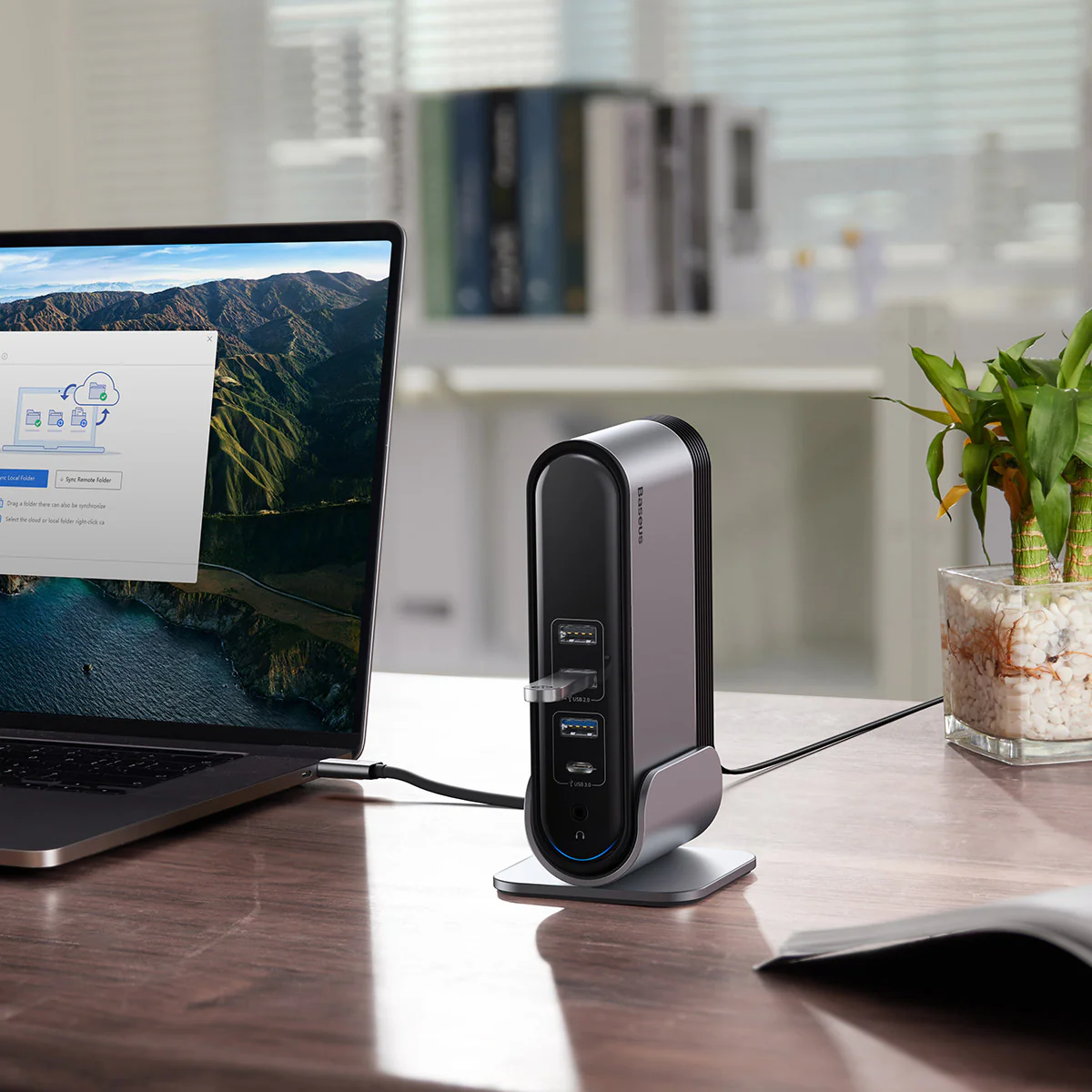
Get Ready with Below Points
- Ensure that your laptop’sthunderbolt 4/3/USB 4.0/USB-C port is full-featured supporting PD Power Delivery, DP Alt Mode, and Data Transferto use full function with this docking.
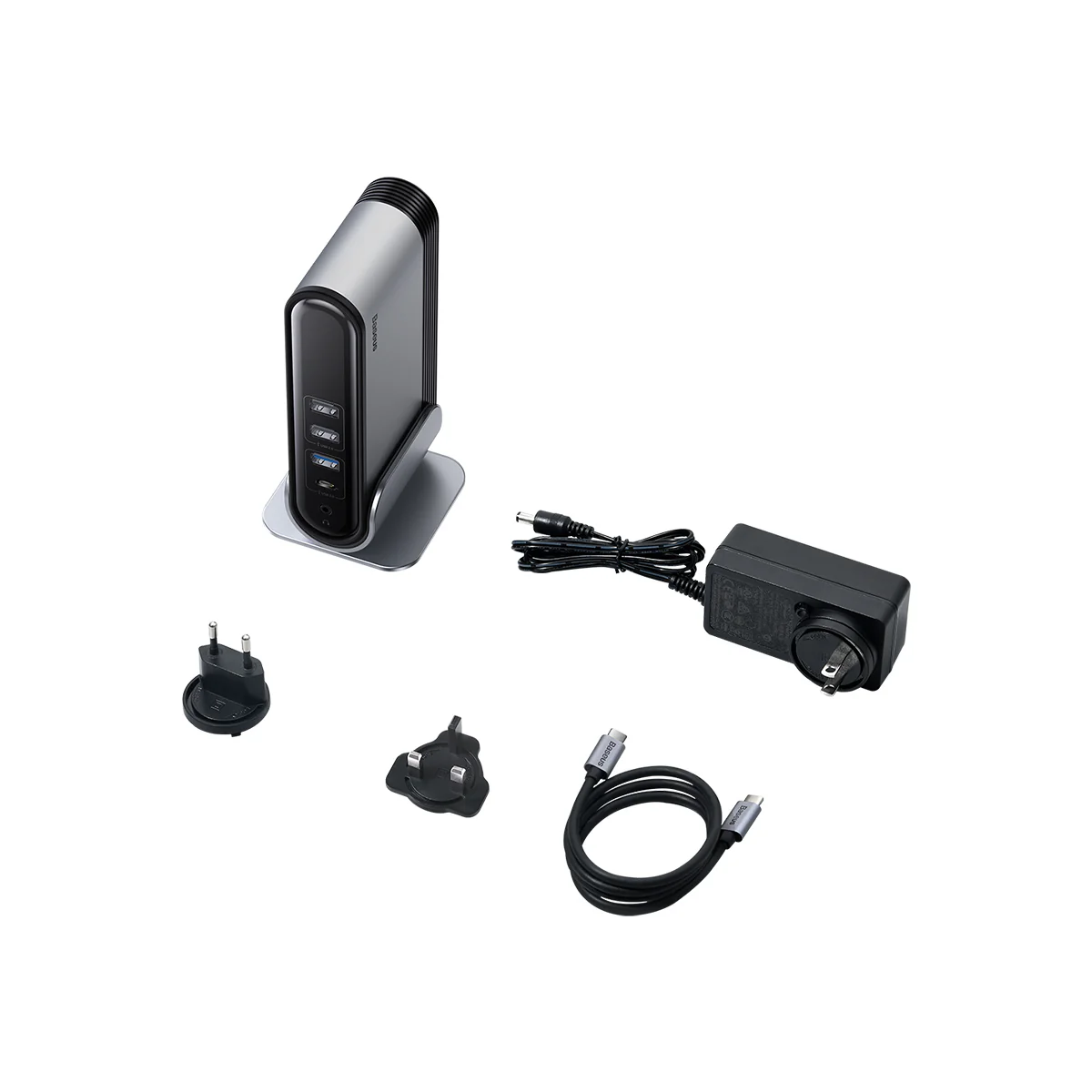
- Mandatory use theincluded USB-C to C cable(supporting PD Power Delivery, DP Alt Mode and Data Transfer) to connect the docking to your laptop’s USB-C port.
- The PD 100W Type-C portrequires a 65-100W cable and charger (not included)to be enough powerful to charge your laptop and ensure that other ports work properly.
- Certain laptops’ port may have over discharging protection which requires charging it a few minutes before being able to restart it after battery totally drained out. For an extended time use,keep the docking powered with the DC adapter to avoid it consuming your laptop’s battery.
- To ensure a stable mirror or extend casting,please use identical monitor model. Misread of displays information and casting errors may occur when using 3 different monitors.
- For Windows OS, the max output is 4K@30Hz when using a single display, and 1080P@60Hz when using 2. The final outputdepends on the max output supported by your laptop and monitor.
- Mac OS/Chrome OS, it does not support MST mode, whichachieves up to two screens.
- Laptop equipped withAMD RX 5700 / INVIDIA 2020 or higher chips can achieve four-screen content.For laptops with Intel graphic card, due to its restriction, you are only able to display content on 3 screens at most. The fourth screen will indicate “No signal”.
- Updating the driver of your laptop’s USB-C port may be required if it can’t recognize the docking in case you’ve updated your OS from Windows 10 to Windows 11.
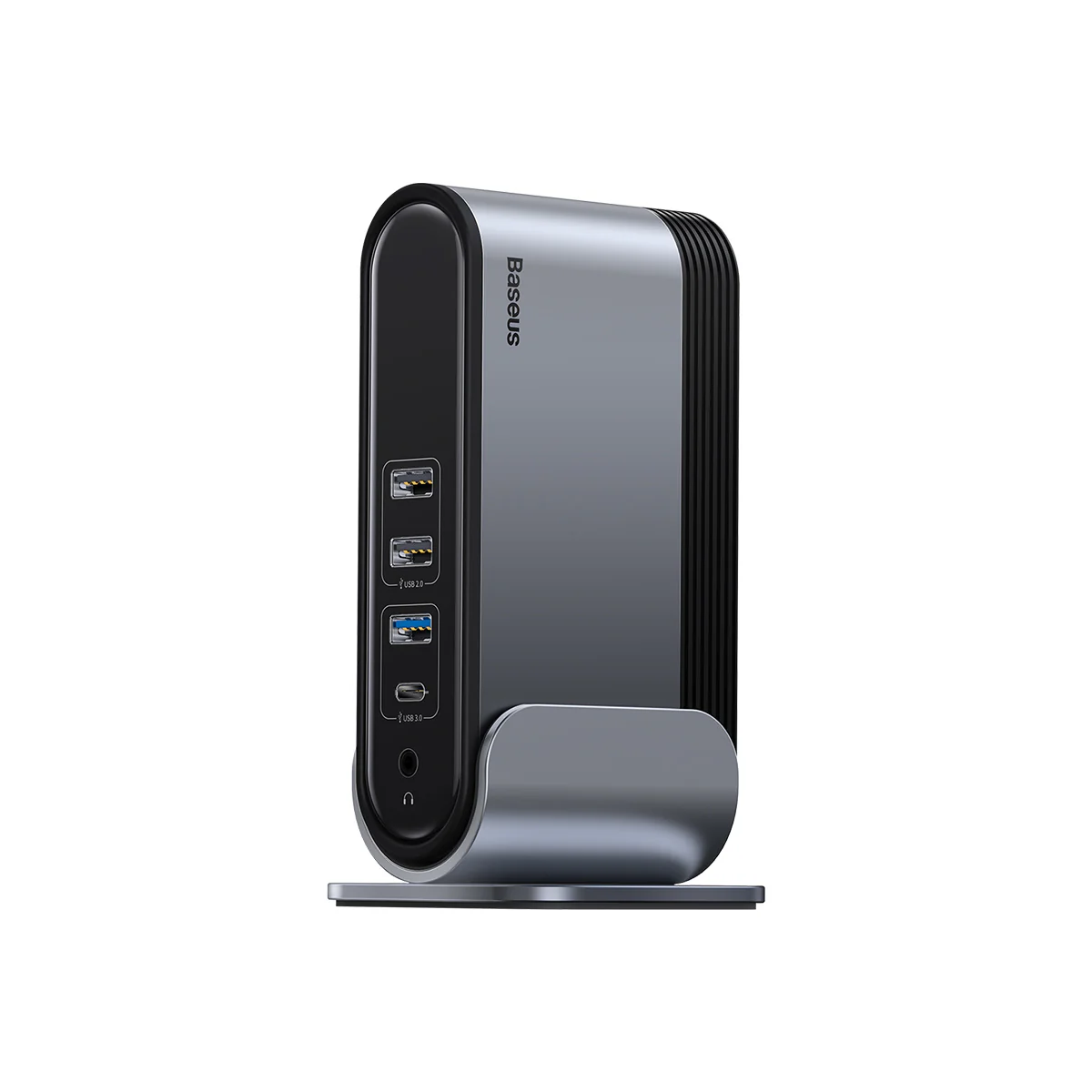
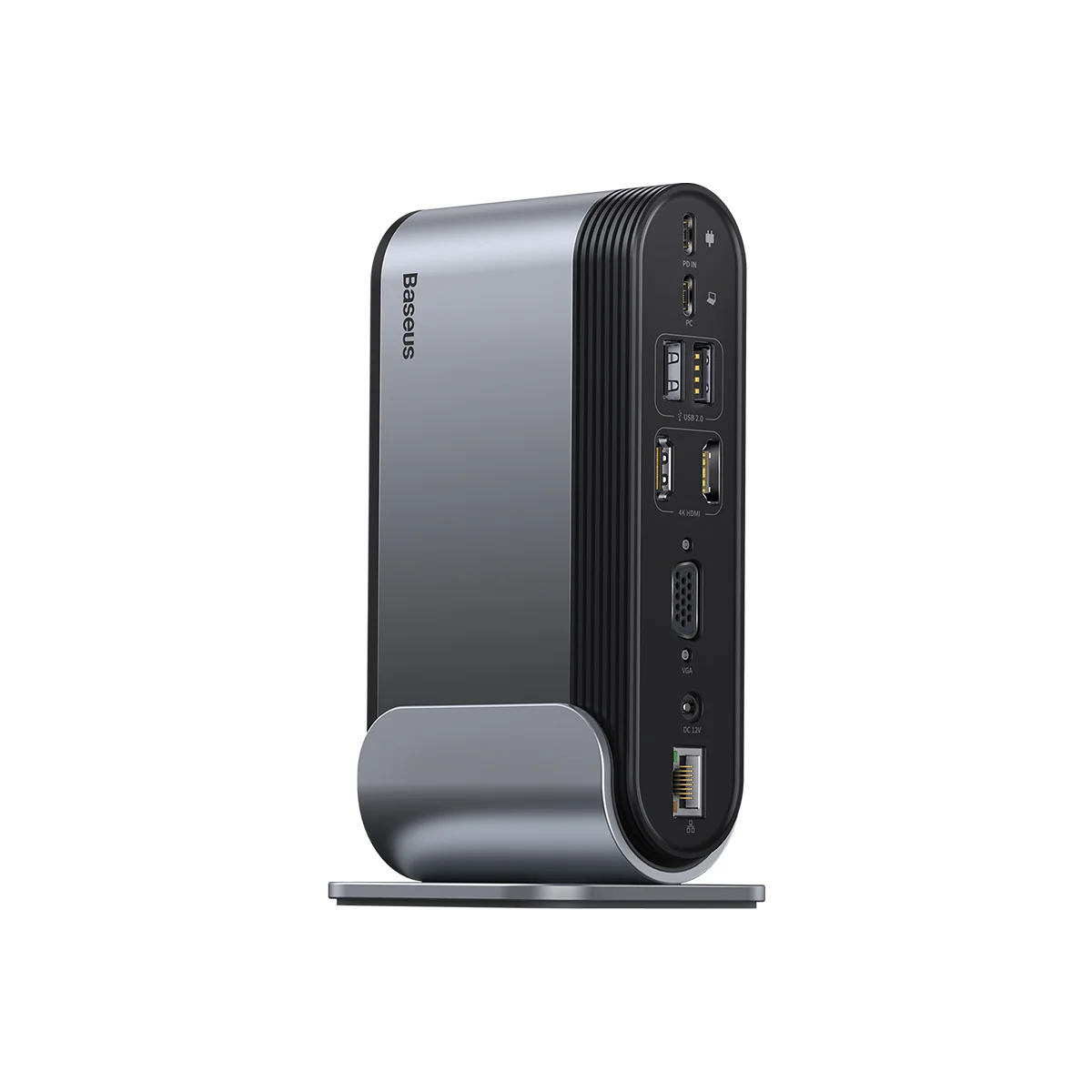
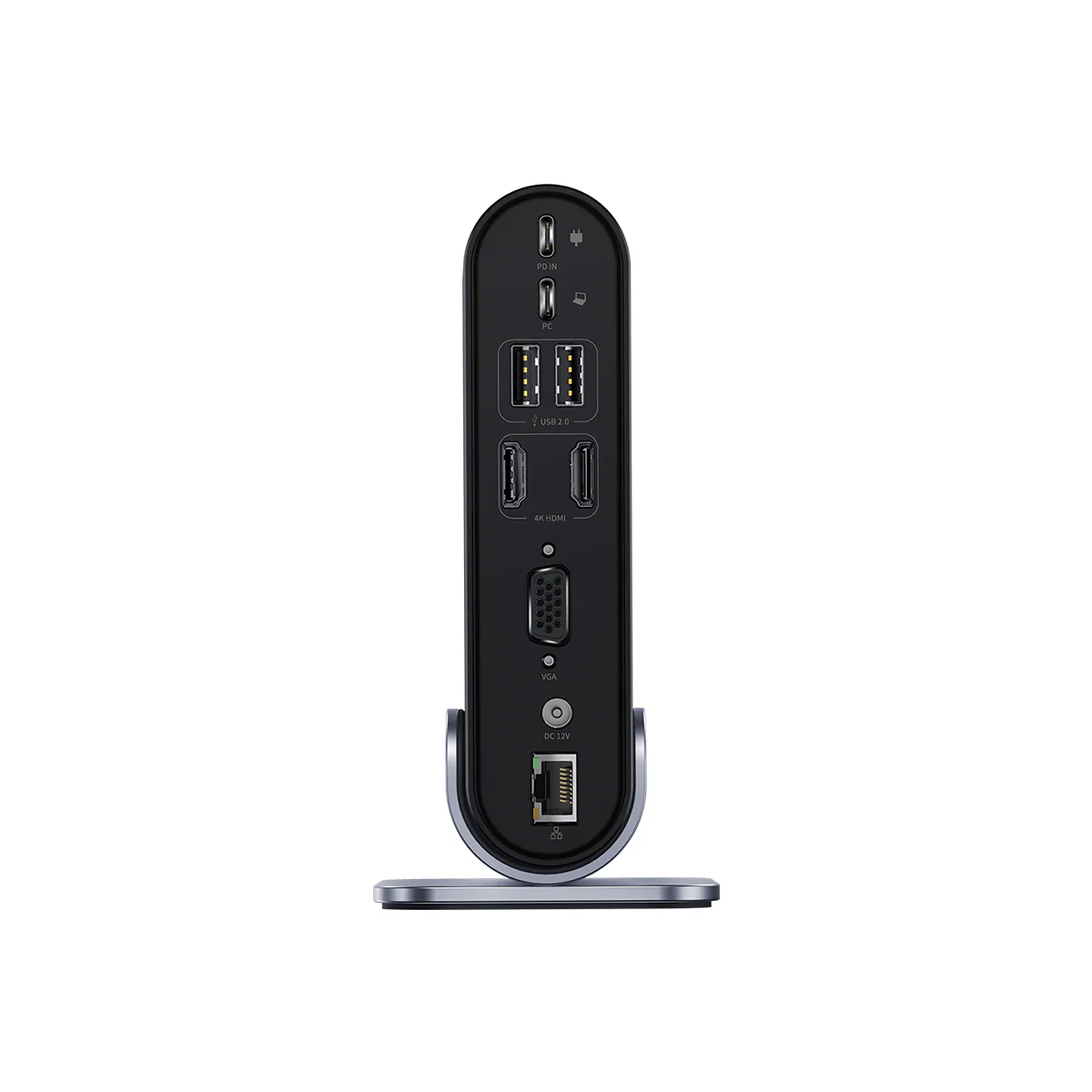
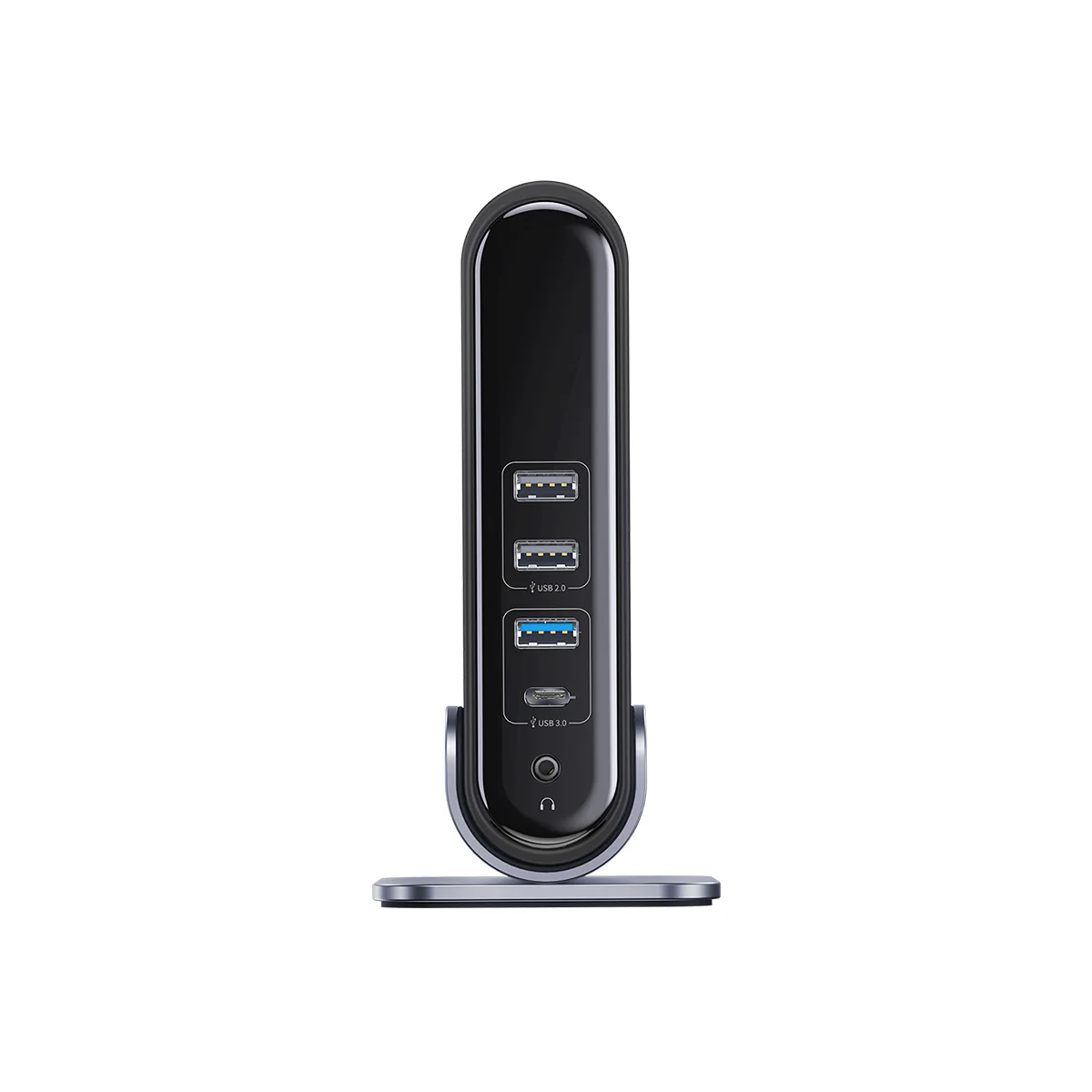
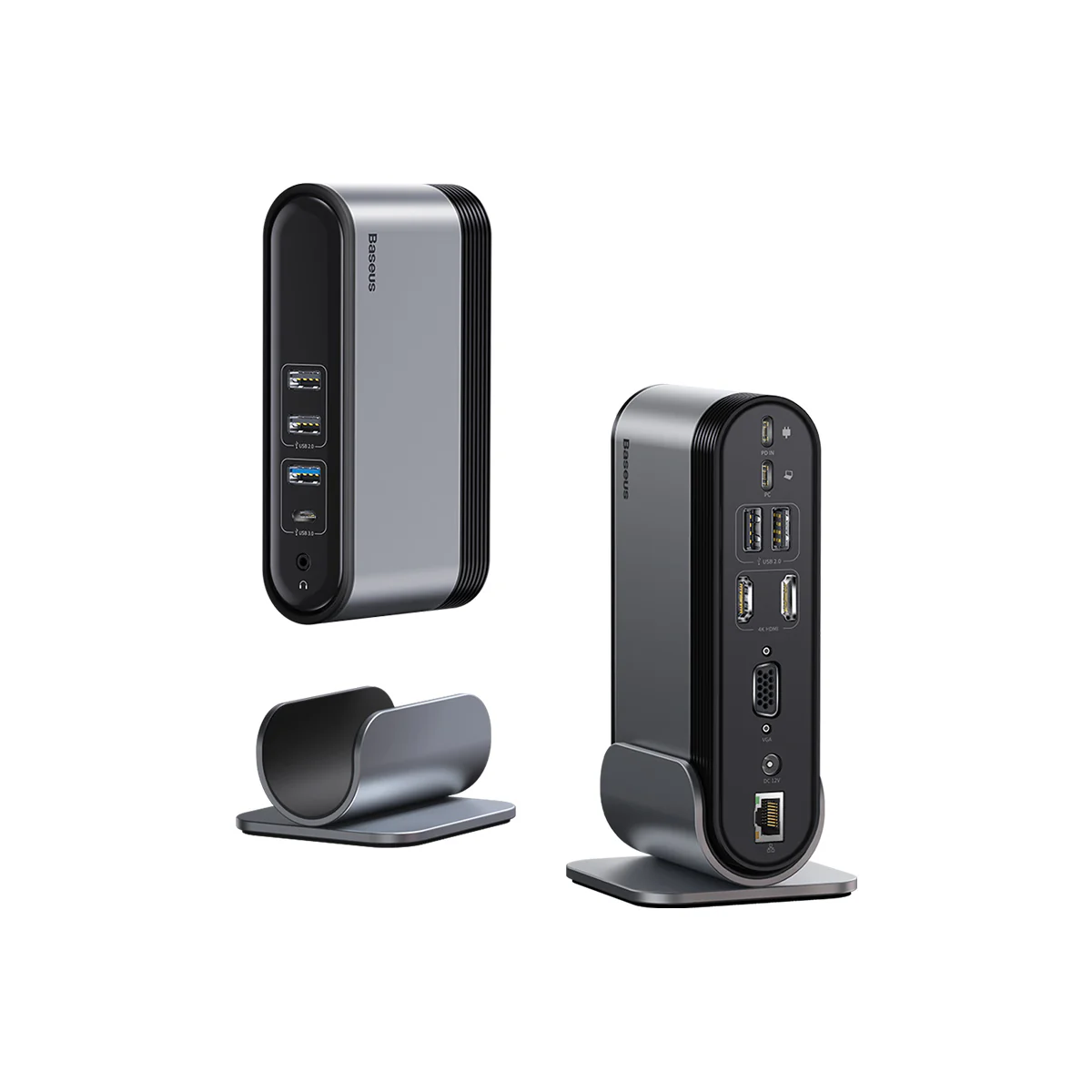
14 Ports Packed in One
Dispay port:2*HDMI(4K@30hz)+1*VGA(1080P@60Hz).
Date Transmission:1*USB-A 3.0(5Gbps)+1*USB-C 3.0(5Gbps)+ 4*USB-A 2.0(60Mbps)
Charging Port:PD 100W USB-C Port for laptop.
DC Port:36W power adapter designed to power the dock
Audio Port: Mic/Audio 3.5mm jack.
Enthernet: 1000Mbps RJ45 internet port
36W DC Input + 100W USB-C PD Input + USB-C PC Output
36W DC Input: Only power the docking station in order to ensure all ports work properly.
USB-C 100W PD input:Plug an extra USB-C compatible power supply into the docking.
USB-C PC output:Connect laptop and docking for transferring Power/Data/Display.
Compatible & Not Compatible Device
| Weight | 0.00056 kg |
|---|
Reviews
There are no reviews yet.